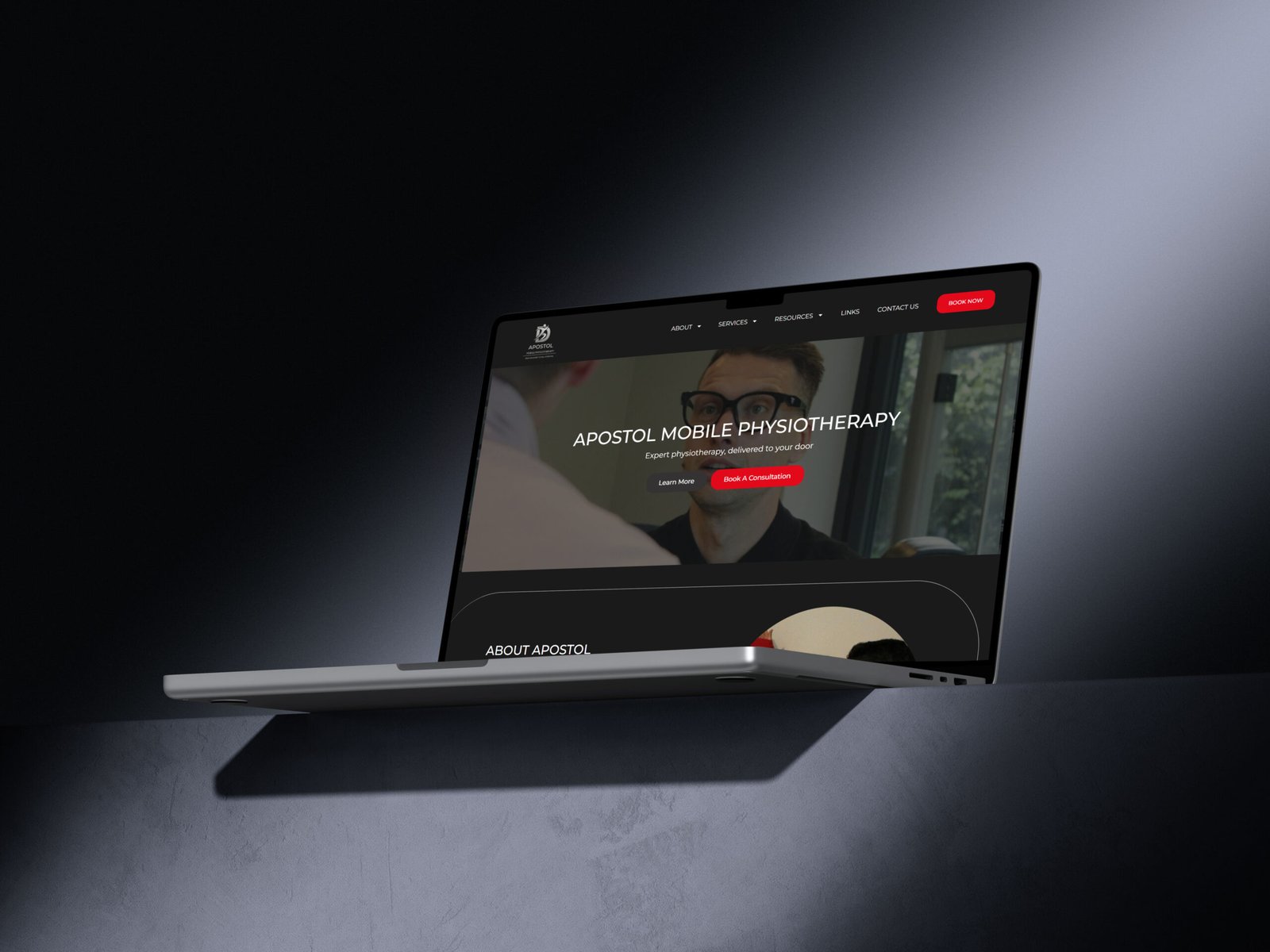
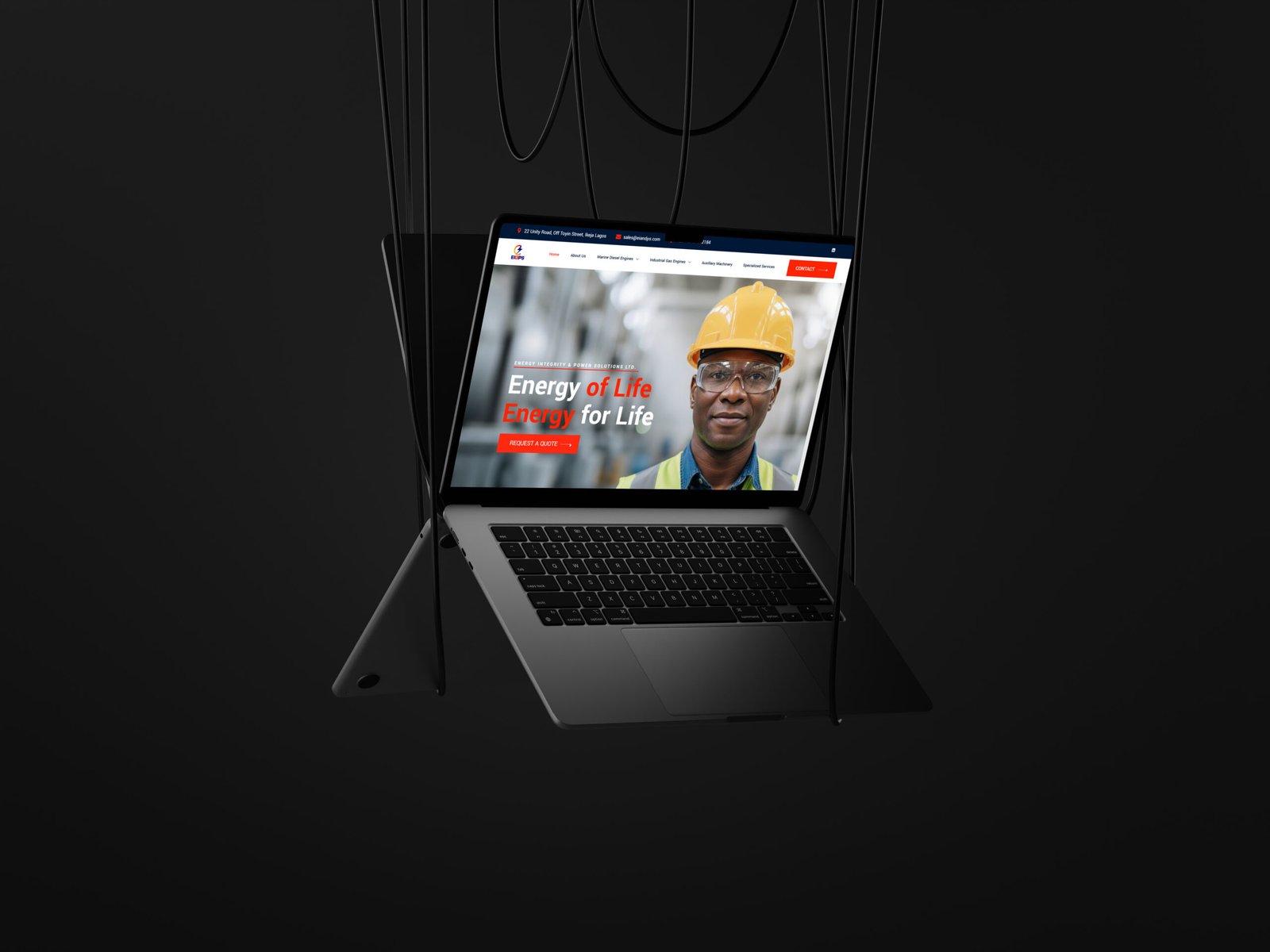
Your website might be the first place someone encounters your business.
Before they speak to you, book a call, send an enquiry, or buy from you, they’re already forming an impression.
And that impression isn’t only about whether your website looks beautiful.
A professional website makes it easier for people to understand what you do, who you help, why they should trust you, and what they should do next.
You don’t necessarily need a completely new website to create that experience. Sometimes, a few thoughtful changes can make a bigger difference than adding more pages, animations, or features.
Here are some of the things that can make a service business website feel more professional.
1. Make It Immediately Clear What You Do
One of the quickest ways to make a website feel less professional is to make visitors work too hard to understand the business.
Your homepage should answer a few basic questions quickly:
- What does your business do?
- Who is it for?
- What problem do you solve?
- What can someone do next?
You don’t need to explain everything in your hero section.
But someone should be able to look at the page and get a reasonable idea of what you offer and whether it’s relevant to them.
Instead of leading with vague statements like:
“Helping you achieve your dreams.”
Try being more specific about the actual service and the person you’re helping.
Clarity creates confidence.
And if visitors understand your business more quickly, they’re more likely to continue exploring your website.
2. Give Your Website a Clear Structure
A professional website should feel easy to navigate.
Visitors shouldn’t have to hunt through your menu to find your services, figure out how to contact you, or understand where to go next.
For many service businesses, a simple structure is enough:
Home → Services → About → Work/Results → Insights → Contact
You may need fewer or more pages depending on your business.
The point isn’t to have a particular number of pages.
It’s to make sure the pages you do have have a purpose.
Your navigation should help visitors move naturally from:
“What is this business?”
to:
“Is this for me?”
to:
“Can I trust them?”
to:
“What do I do next?”
3. Make Your Services Easy to Understand
A service page shouldn’t feel like a list of things you can do. Your website should make the value of what you offer clear.
Your potential client is usually more interested in what the service means for them.
Instead of simply saying:
Website Design
Responsive design, SEO, integrations, custom development…
Explain what you’re helping them accomplish.
For example:
A website that makes your business easier to understand.
Then explain how the service helps:
- clarify your offer
- organise your information
- guide visitors toward the right action
- create a better experience across devices
- make it easier for potential customers to get in touch
The technical details still matter.
But they should support the value of the service rather than become the entire explanation.
4. Use Consistent Visual Design
A professional website doesn’t need to be complicated.
In fact, consistency often does more for a website than adding more visual effects.
Pay attention to things like:
- typography
- colours
- spacing
- button styles
- image treatment
- heading hierarchy
- section layouts
- icon styles
Your website should feel like one business, not a collection of individual sections designed at different times.
You don’t need every section to look identical.
You do want the design decisions to feel intentional.
5. Use Better Images
Images can dramatically affect how a service business is perceived.
That doesn’t mean every website needs expensive photography.
It means the images you use should support the impression you’re trying to create.
For example, if you’re a consultant, therapist, coach, designer, photographer, or professional service provider, your visitors may want to see the person behind the business.
A clear, relevant photograph can do more than a generic stock image.
If you use stock photography, choose images that actually relate to your business and audience rather than adding an image simply because a section looks empty without one.
Every image should have a reason for being there.
6. Show People That Your Business Is Real
Professionalism is closely connected to trust.
Your website should give visitors enough information to feel that there’s a real business and a real person or team behind it.
Depending on your business, this could include:
- testimonials
- client logos
- case studies
- credentials
- relevant experience
- professional affiliations
- results
- photographs
- a thoughtful About page
You don’t need to include all of these.
Choose the forms of proof that make sense for your business.
And don’t make claims you can’t support.
A simple, specific testimonial can be much more convincing than a page full of vague statements about how “amazing” your business is.
7. Make Your Calls to Action Clear
A professional website doesn’t leave visitors wondering what they’re supposed to do.
Once someone has understood your business and decided they’re interested, the next step should be obvious.
That might be:
Book a consultation
Request a quote
Start a project
Schedule an appointment
Get in touch
Your CTA should match the stage your visitor is at.
You don’t necessarily need a “Buy Now” button everywhere.
Sometimes the right next step is simply starting a conversation.
8. Pay Attention to Mobile
A website can look beautiful on a laptop and still feel frustrating on a phone.
Since many people will encounter your business through a mobile device, your website should work comfortably at smaller screen sizes.
Check things like:
- text size
- button size
- spacing
- navigation
- image cropping
- forms
- section order
- horizontal scrolling
- page speed
Don’t simply ask whether the page technically fits on a phone.
Ask whether it is comfortable to use.
9. Remove Things That Don’t Help
One of the easiest ways to make a website feel more professional is to remove unnecessary things.
That could mean:
- reducing repetitive sections
- removing outdated information
- simplifying your navigation
- deleting unused pages
- shortening overly long paragraphs
- removing unnecessary animations
- replacing confusing buttons
- updating old images
- getting rid of placeholder content
More doesn’t automatically mean better.
A professional website often feels intentional because everything has a reason to be there.
10. Keep Your Website Up to Date
Nothing undermines a professional website quite like information that is obviously outdated.
Check your website regularly for:
- old services
- outdated pricing
- broken links
- old contact information
- expired offers
- outdated testimonials
- old team information
- missing images
- abandoned blog sections
Your business changes.
Your website should be allowed to change with it.
If your website was built for a business you had three years ago, but your business has evolved since then, it may no longer represent the business you’re running today.
It may simply no longer represent the business you’re running today.
A Professional Website Doesn’t Have to Be Complicated
You don’t need a website filled with animations, elaborate interactions, dozens of pages, or every new design trend to look professional.
You need a website that feels clear, intentional, trustworthy, and easy to use.
Start with the fundamentals:
Make your message clear.
Make your services easy to understand.
Create a consistent visual experience.
Show people why they should trust you.
Make the next step obvious.
Keep the information current.
Those things will usually do more for your website than adding another feature simply because you can.
And if your current website already has a solid foundation, you may not need to start from scratch.
Sometimes, it simply needs the right improvements.
When Your Website Needs More Than a Few Improvements
If your website is difficult to navigate, doesn’t clearly communicate what you offer, looks disconnected from your current brand, or no longer reflects the business you’ve built, small updates may only take you so far.
That’s when a website refresh or redesign may make more sense.
If you’re trying to decide which one you need, I wrote about the difference here: Website Refresh vs Website Redesign: Which Does Your Business Need?
And if you’re ready to build a website that makes your business easier to understand, you can learn more about my Website Design service.
Your website should make your business easier to understand.
Not more complicated.